
Yes, the projects your account is a member of, subject to your permissions. SIINC captures what the connected account can see, and nothing more.
Keep the evidence for the final account after your platform access ends.
SIINC backs up the Procore, Autodesk Forma and BIM 360, and Oracle Aconex projects a commercial or project manager's account is a member of, into their company's own storage. Variations, EOTs and final accounts are argued from daily logs, RFIs, correspondence and change orders. Those often sit in the head contractor's or owner's platform, and your access ends at practical completion.
- Role
- Commercial and project managers
- Platforms
- Procore, Autodesk, Aconex
- Use cases
- Project closeout, Claims and disputes
- Backups stored in
- Amazon S3 or Azure Blob Storage, in your account
What commercial and project managers answer for in the final account
- Variations priced and supported by the records that prove them.
- EOT claims backed by daily logs, correspondence and the schedule.
- Payment claims and a final account settled on records you can produce.
- Knowing what was instructed, by whom, and when.
Questions commercial and project managers get asked about variations and claims
- How do we find the RFI that started a variation?
- Search the backed-up project in the SIINC Workbench. Open the RFI to see its official response, versions and attachments, then download it alongside the change order.
- How do we keep project records when we lose access to the head contractor's Procore?
- Back up the project while you still have access. SIINC backs up the projects your account is a member of, subject to your permissions, once the head contractor's admin approves the SIINC connection, and what it captured stays in your storage after access ends.
- Where do we find the Procore daily logs for a delay period?
- In your backup, if Daily logs was selected. Daily logs, observations, inspections and incidents are all Procore components you can choose.
- Can we back up Procore financials such as change orders and invoices?
- Yes, they are selectable components. Budget, contracts, change orders, invoices and payments are all in the Procore module list.
- How do we read the superintendent's Aconex mail after the project closes?
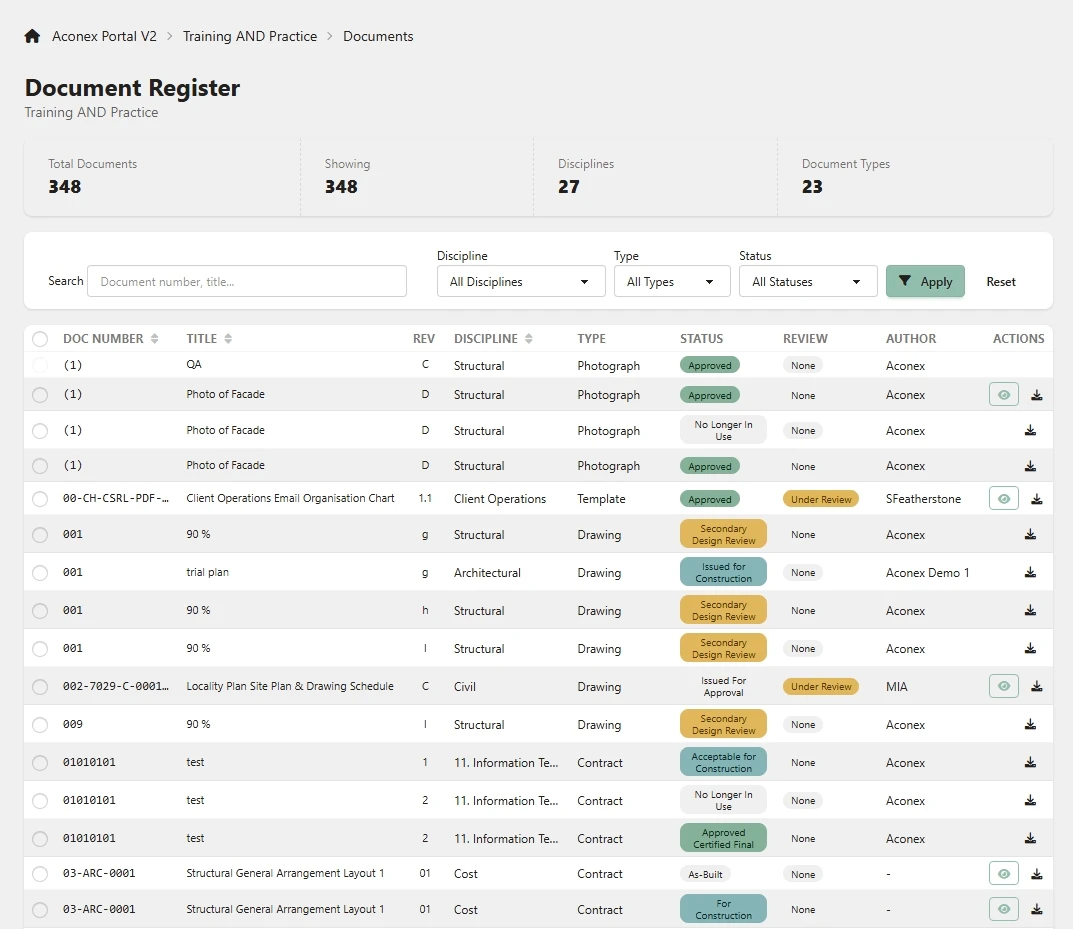
- Open it in the SIINC Aconex Portal. Mail is backed up with its related items, so the correspondence reads in context long after your project access ends.
Where commercial and project managers look next
- Use caseProject closeoutKeep the full project record after closeout, when platform access ends within about 30 days.
- Use caseClaims and disputesThe daily logs, RFIs, mail and change orders behind variations, EOTs and defect claims, kept after access ends.
- PlatformProcoreKeep every Procore project after closeout, in storage your company owns.
- PlatformAutodesk Forma and BIM 360Autodesk Forma and BIM 360 backup, outside Autodesk, in storage your company owns.
- PlatformOracle AconexKeep Oracle Aconex mail and documents after the project closes, in storage you own.
Commercial and project manager backup questions
Commercial and project manager backup questions
While you still have access, ideally early in the job. Setup takes under 30 minutes, and the first Full backup of a mid-sized project completes the same day. After that, each run captures what has changed, so the record builds up as the project goes.
Yes. Every module is a checkbox, so you can back up the records your contract depends on and leave out the rest.
No. The Procore Workbench and Aconex Portal read straight from your own storage.
Start a trial workspace or book a demo and we will run the first backup with you.